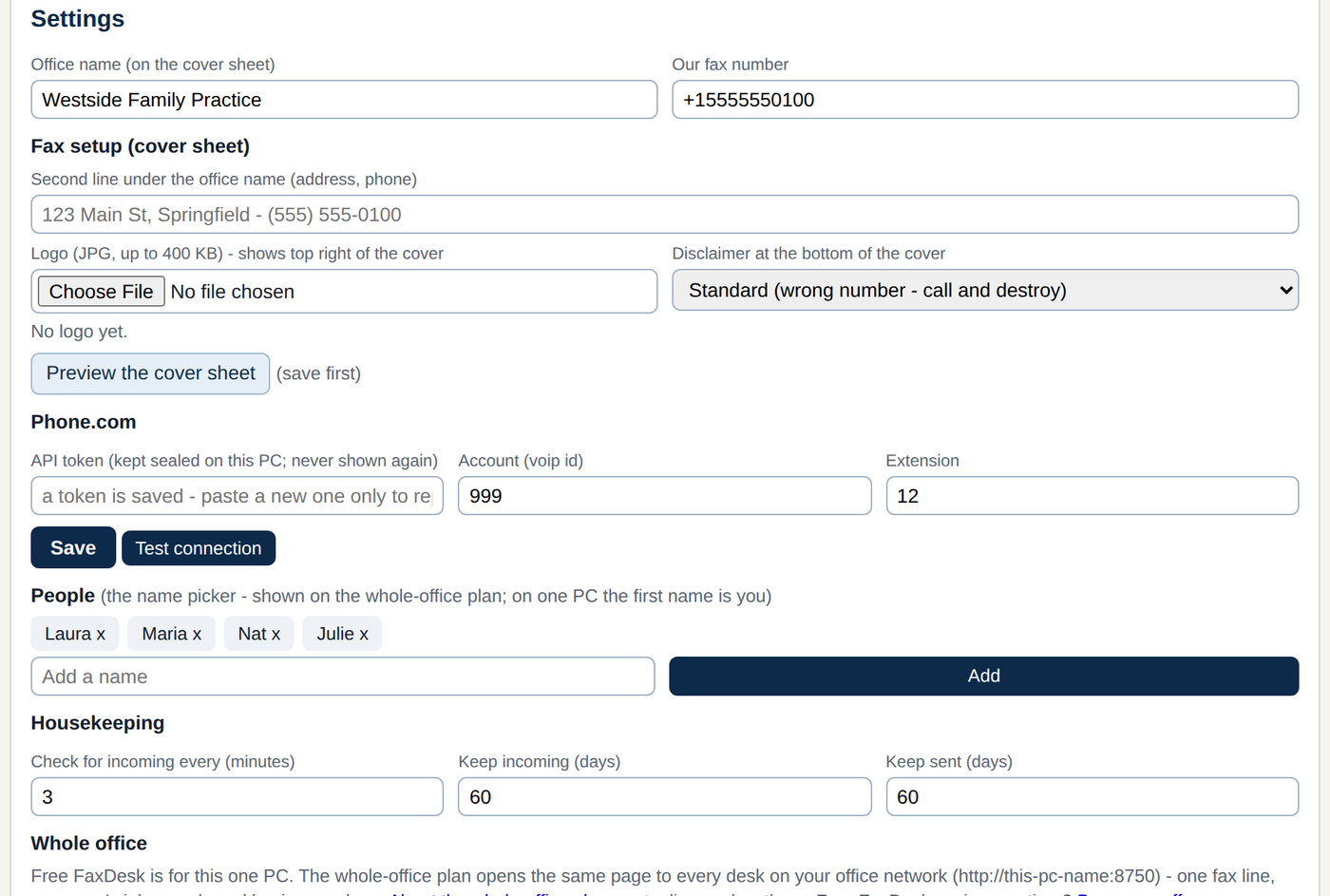
The guide covers where the API Client tool lives in your Phone.com account, what "permanent token" means (and why you want one), how Test connection shows you your account id so you never have to hunt for it, which extension to pick, and the three mistakes that produce a red X.
The token is sealed on your PC the moment you save it. FaxDesk never shows it again and never sends it anywhere but Phone.com.
Free for one desk. One file, no installer, nothing leaves your PC but the fax.
Download freeKeep me posted